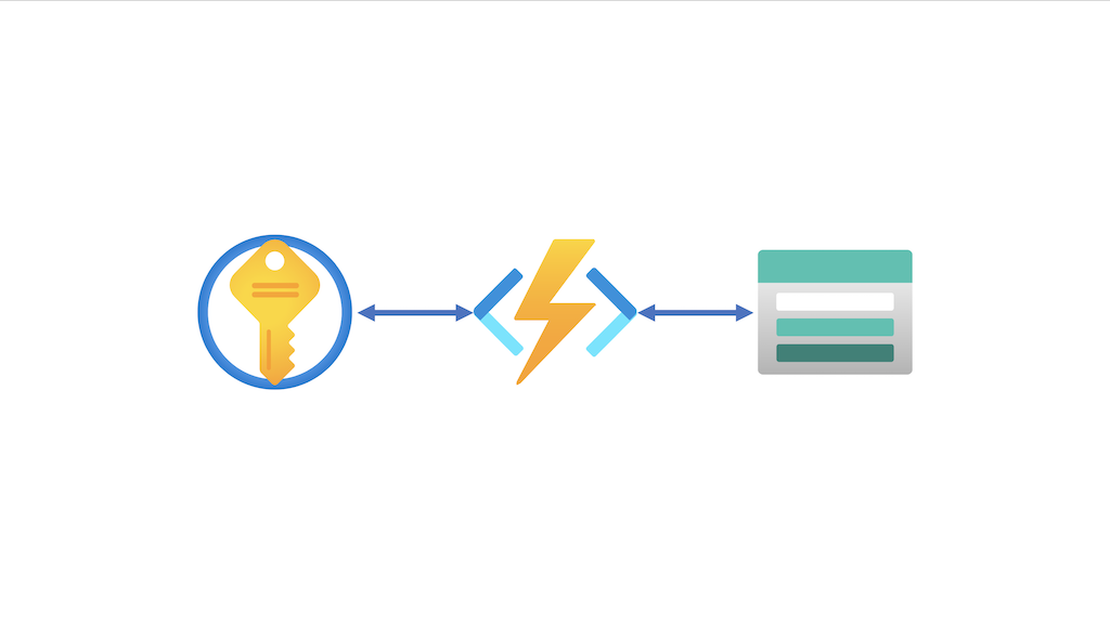
Disaster recovery plan for Azure Key Vault using tags, PowerShell and Azure Function

By default the Azure Key Vault has softdelete enabled with a 90 day retention. This option will protect Key Vault items when deleted by accident. When deleted you are able to restore that item through the portal or PowerShell.
But what if someone has deleted the Key Vault itself with all the items and softdeleted items included. There is no option to restore a Key Vault. In this article I will describe a way how to backup and restore a Key Vault when deleted.
Continue Reading

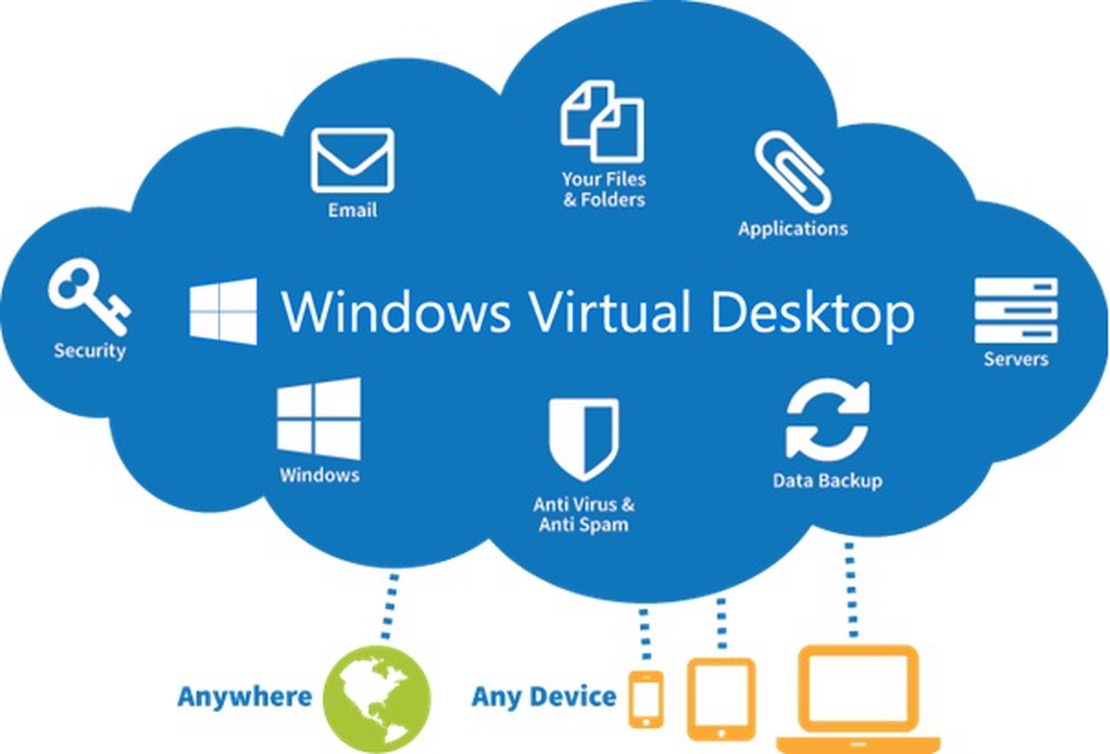
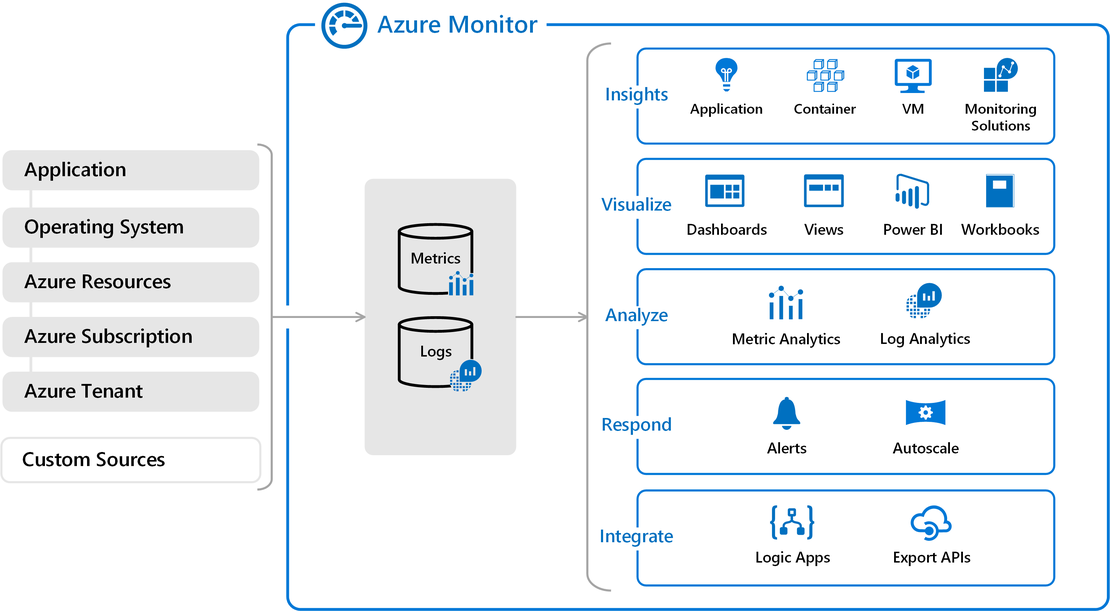
Azure Virtual Desktop Image Management Automated – Part 5 Monitor Image versions with Azure Monitor

When using the Azure Virtual Desktop for a longer time and created images several times you will noticed you are not able to remove old images directly when a new version has been deployed. Or in case of a MSP when you need to manage more then one image after some time you will lose sight on images and versions. An image overview would be nice to have. In this article I will show how to do some image version control on a AVD environment.

Continue Reading

Azure Virtual Desktop Image Management Automated – Part 4 AVD Clean up unused resources

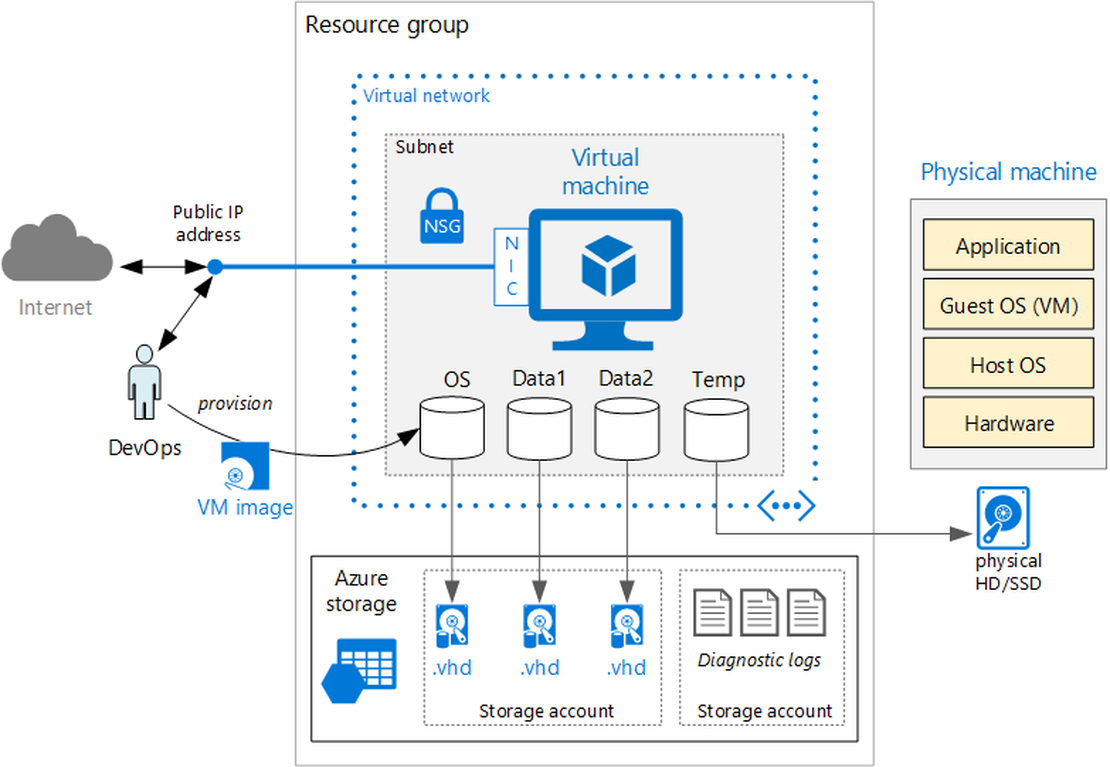
The current situation, we have created new disks, snapshots, virtual machines, networks, images and session hosts. All the resources has been added to the existing AVD hostpool. Now it is time to cleanup the old resources, to keep everything nice and clean. In this part we will take care of removing components related to the old image version.

Continue Reading

Azure Virtual Desktop Image Management Automated - Part 3 Create AVD sessionhosts on image version with ARM

This article is serie of posts about AVD Image Management Automated. In this part we are going to add new sessionhosts to an existing AVD hostpool based on a ARM template.

Continue Reading

Using KeyVault certificates in Azure DevOps

Azure KeyVault is the security key management system in Azure where you can store keys, secrets and certificates. From that place you can use the items everywhere you like.

Table Of Contents

The main idea

We using the certificates thumbprint for connecting to an Azure AD. While logged in we like to change application permissions based on a JSON file input. After changing that file the continuous integration (CI) proces in DevOps will take care about the application permission change at all of our customers.

Continue Reading