Showing items from Azure

Azure Virtual Desktop Image Management Automated – Part 4 AVD Clean up unused resources

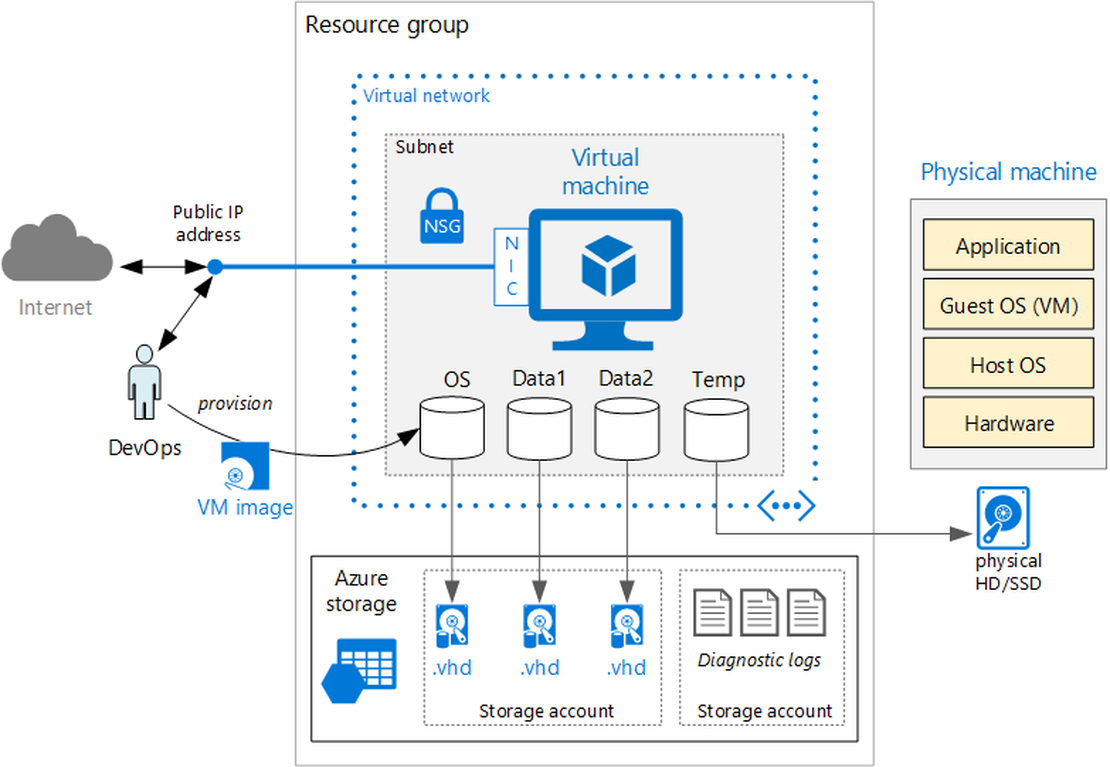
The current situation, we have created new disks, snapshots, virtual machines, networks, images and session hosts. All the resources has been added to the existing AVD hostpool. Now it is time to cleanup the old resources, to keep everything nice and clean. In this part we will take care of removing components related to the old image version.

Continue Reading
Azure Virtual Desktop Image Management Automated - Part 2 Save AVD image with Sysprep as Image Gallery version

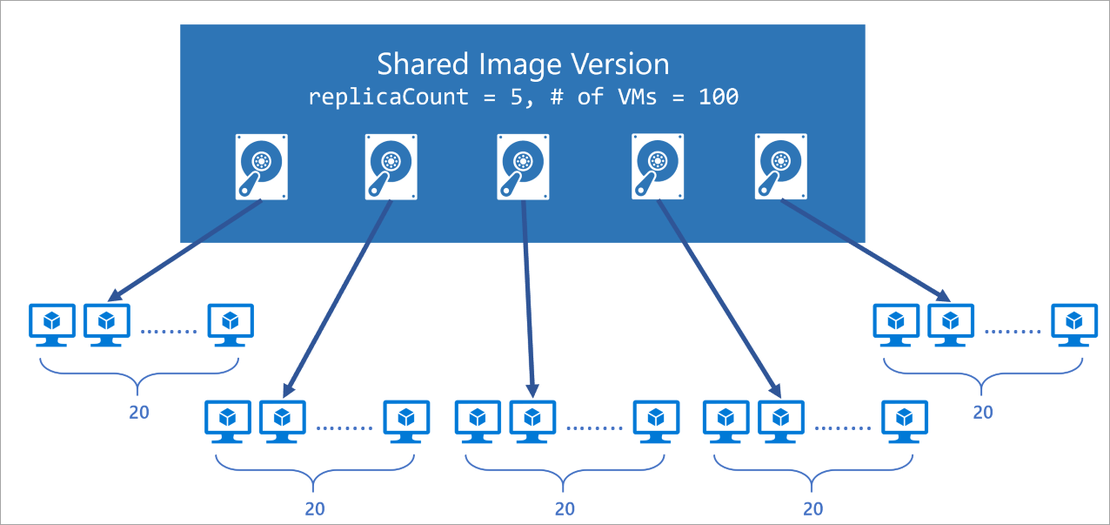
This is part two of a serie posts about AVD disk management. In this blogpost I will explain how to finish a disk with sysprep and deploy it as a version into the Azure Shared Image Gallery automated.

Continue Reading

Monitor active M365 ServiceHealth services only with PowerShell

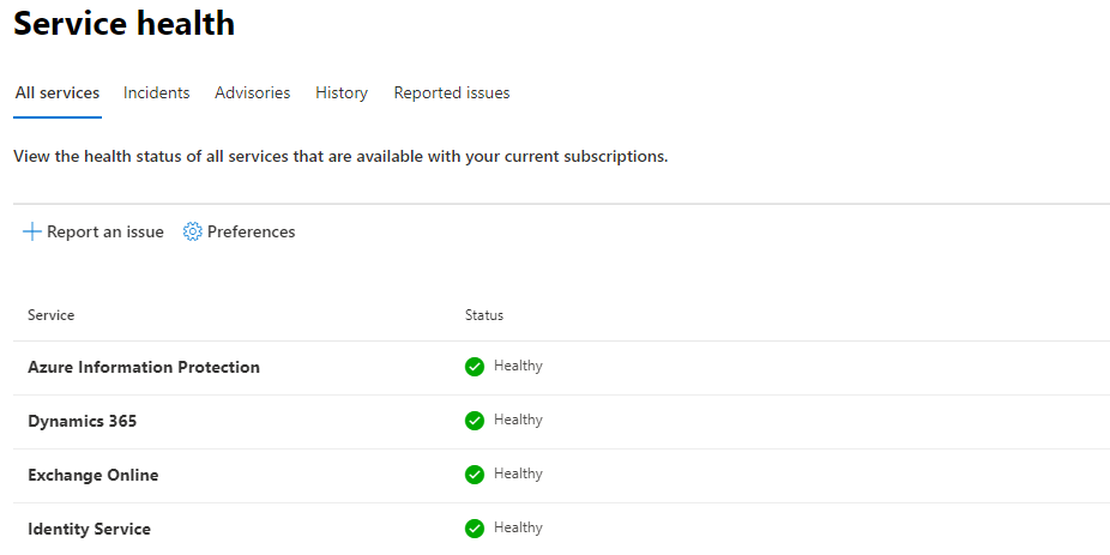
You have some Microsoft 365 (M365) customers which you like to monitor. Every day you are looking at the customer specific M365 portal looking for Microsoft event.

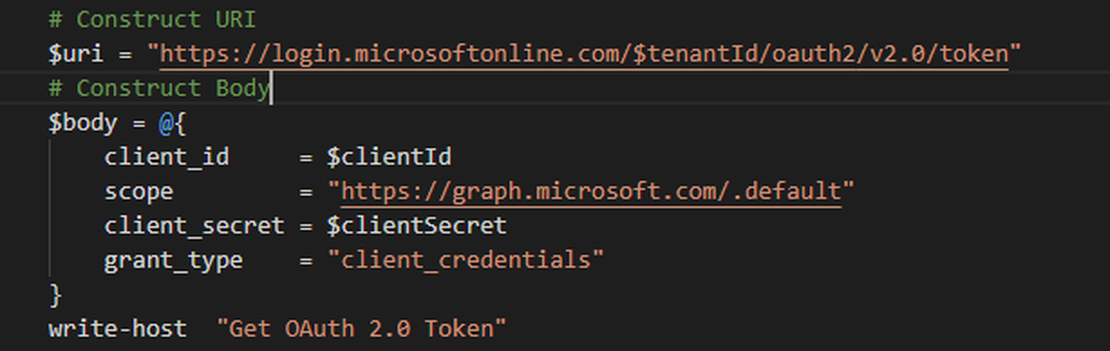
Logging in at the customers portal isn’t a very efficient way. Microsoft provides a lot of API’s which can be used for monitoring. By combining some of them you are able to do some really nice and smart things.

Continue Reading

AVD Image Management Automated - Part 1 Create an AVD image version based on the existing config with PowerShell

This article is part one of a series of posts about AVD image management automated. In this first part, I will describe how to create and connect a new disk (based on a snapshot) to a new Azure VM based on the existing sessionhost configuration. This will save a lot of extra parameters like VM size, network settings, and type. After the VM is started you will get the information on how to connect to the VM by RDP (3389) with specific credentials specially created for this VM.

Continue Reading