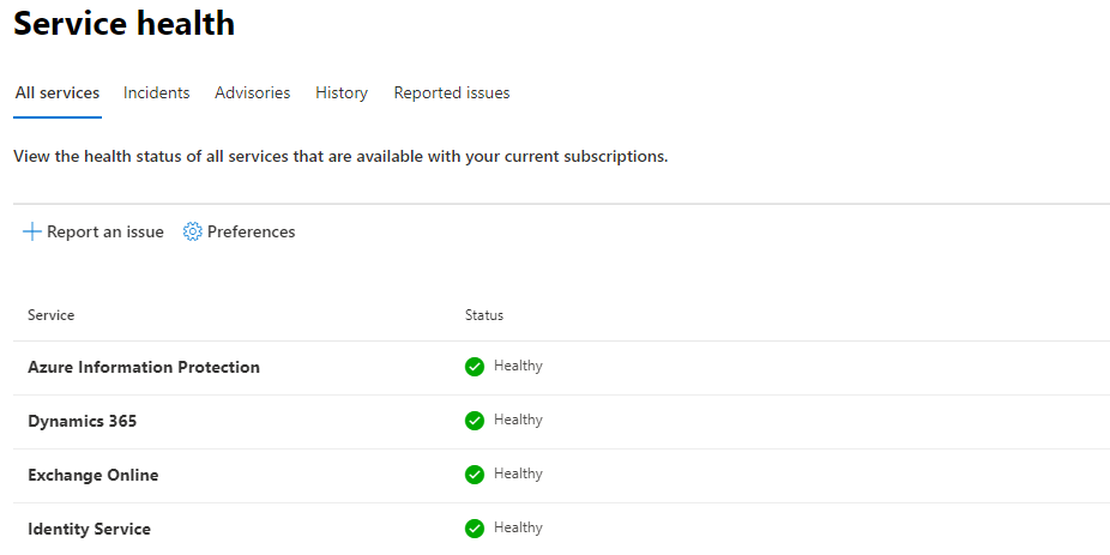
Showing items from Graph API

Enroll Defender For Endpoint automated

https://learn.microsoft.com/en-us/mem/intune/protect/advanced-threat-protection-configure

Microsoft Intune Connection -> On

Find the if there is a connector already. Otherwise, create one.

$url = "https://graph.microsoft.com/beta/deviceManagement/mobileThreatDefenseConnectors/fc780465-2017-40d4-a0c5-307022471b92"  #/fc780465-2017-40d4-a0c5-307022471b92
$request = Invoke-RestMethod -Uri $url -Method Get -Headers $authHeader
$request.value | ConvertTo-Json -Depth 9


$body = @{
  androidEnabled = $false
  iosEnabled = $false
  androidDeviceBlockedOnMissingPartnerData = $false
  iosDeviceBlockedOnMissingPartnerData = $false
  partnerUnsupportedOsVersionBlocked = $false
  windowsEnabled = $false
  partnerUnresponsivenessThresholdInDays = 6
} | ConvertTo-Json
$postRequest = Invoke-RestMethod -Uri $url -Method Patch -Headers $authHeader -Body $body
$postRequest
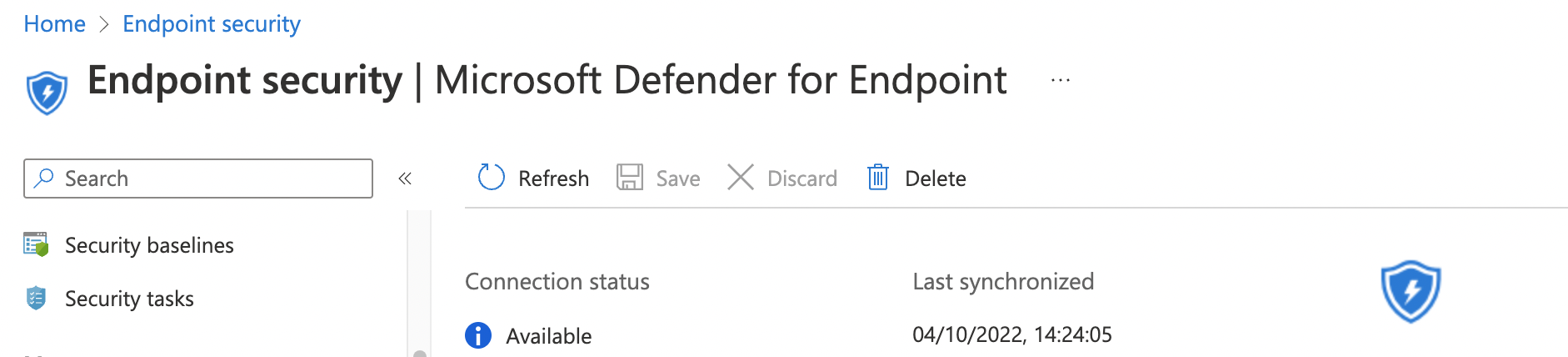

available-dfe-connector.png

Continue Reading

Configure AVD Start VM on Connect automated with role assignments and Graph API

Costs are a topic of an Azure conversation very often. As we all know you pay for usage, if it is storage, CPU or bandwidth usage, (almost) every resource has its price. For Windows Virtual Desktop it means you have to pay for CPU usage, for example. It is important then to keep this usage as low as possible. Now there is an option to keep these usage as low as possible with AVD Start VM on Connect.

Continue Reading

Monitor active M365 ServiceHealth services only with PowerShell

You have some Microsoft 365 (M365) customers which you like to monitor. Every day you are looking at the customer specific M365 portal looking for Microsoft event.

Logging in at the customers portal isn’t a very efficient way. Microsoft provides a lot of API’s which can be used for monitoring. By combining some of them you are able to do some really nice and smart things.

Continue Reading